Out now · 2.0.2
Artist+AI Rigging
Speed for the Devs. Depth for the Artists.
High end character rigging has always lived inside expensive applications. Armature is for the indie dev who cannot justify one, and the veteran rigger who wants to move faster.
The workflow
Five stages, one app.
The AI half takes a mesh to a working rig in minutes. The human half is a full set of professional tools for pushing that rig to production level. Every stage below carries both.
01
LOAD: Drop in your character. Armature reads USD, OBJ, FBX, GLB and glTF, and everything leaves as USD.
LOAD 02
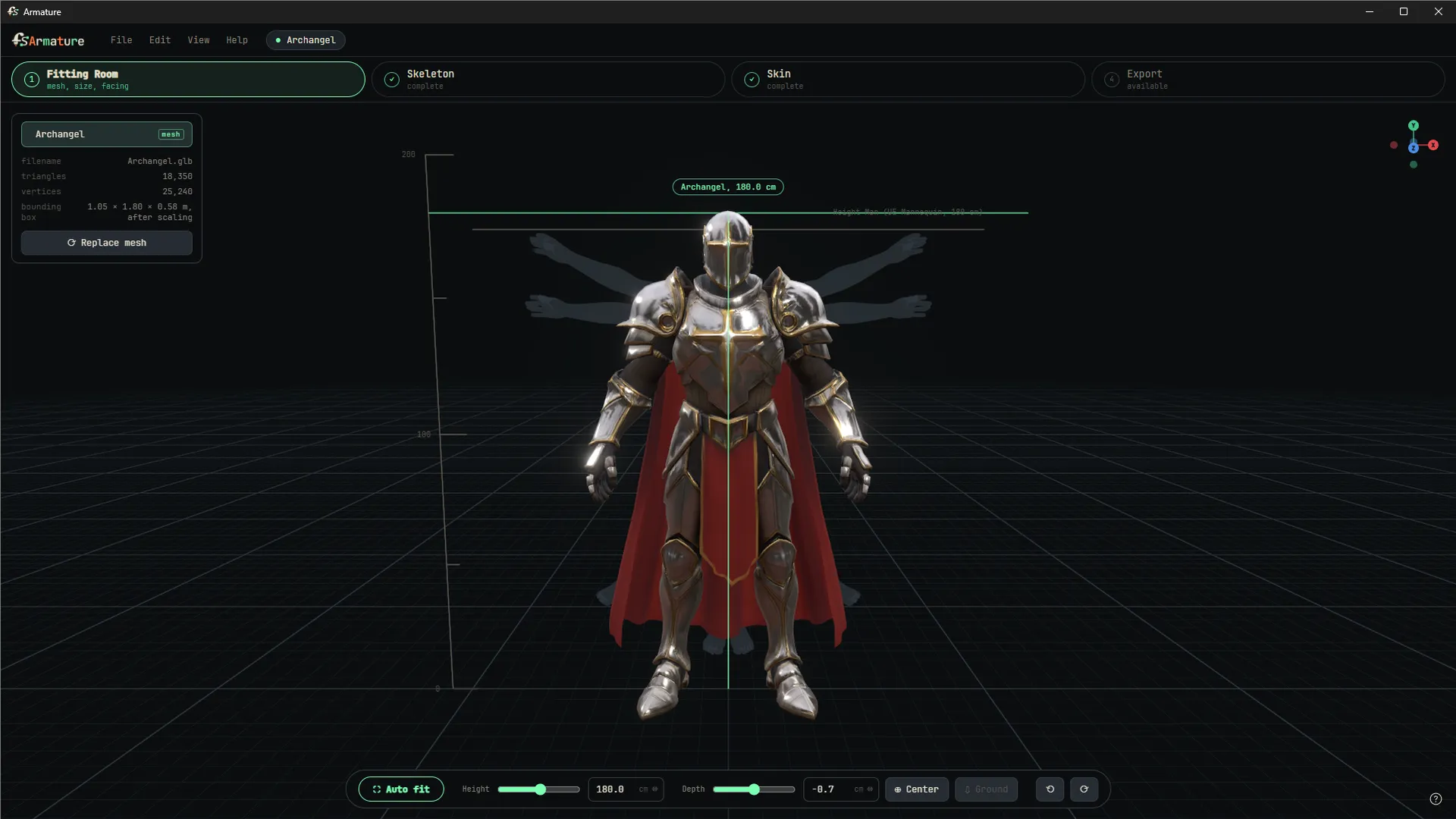
FIT: Orient and size the character so symmetry and placement behave.
FIT 03
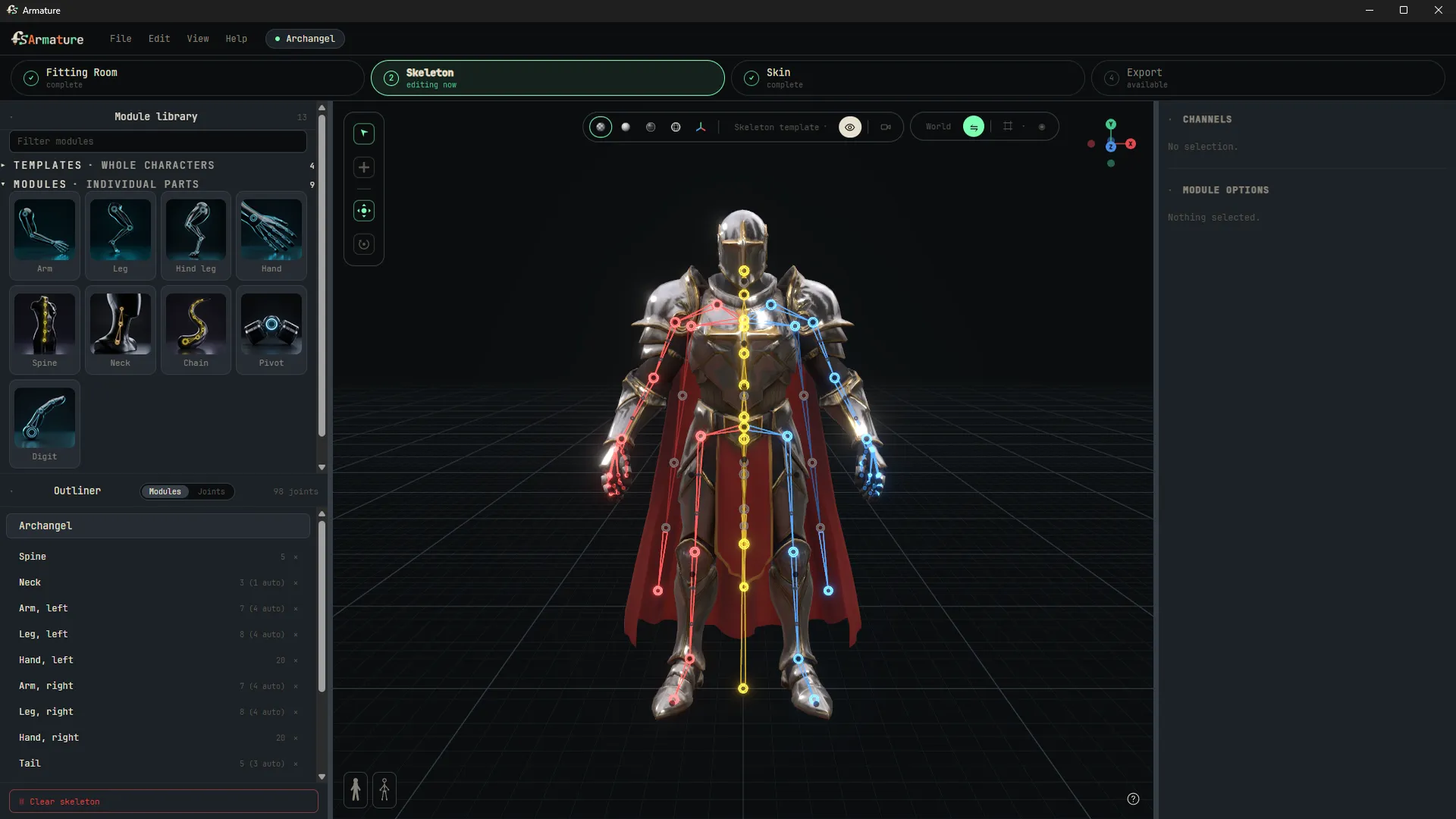
SKELETON: Start from a biped, quadruped, or prop template, or build from nothing. Live symmetry, limb duplication, chain editing, and a finger count you state instead of the machine guessing.
SKELETON 04
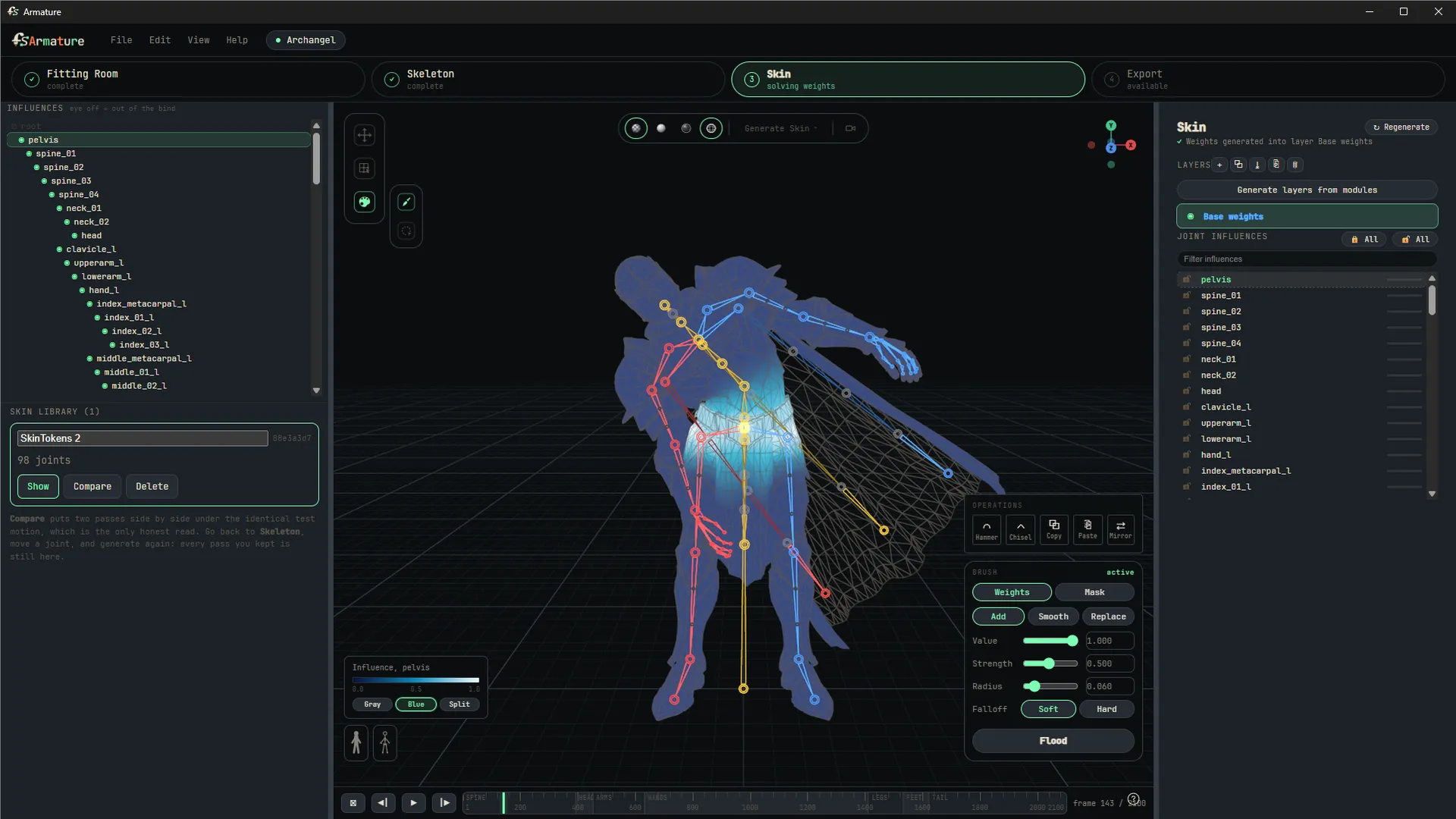
SKIN: Two local engines: one solves on any machine in seconds, the AI one runs on your GPU for the best weights. Then a full painting suite with layers and non-destructive passes for when you want to fix them by hand.
SKIN 05
EXPORT: One USD file carrying mesh, skeleton, orientations, and weights.
EXPORT
Walkthroughs
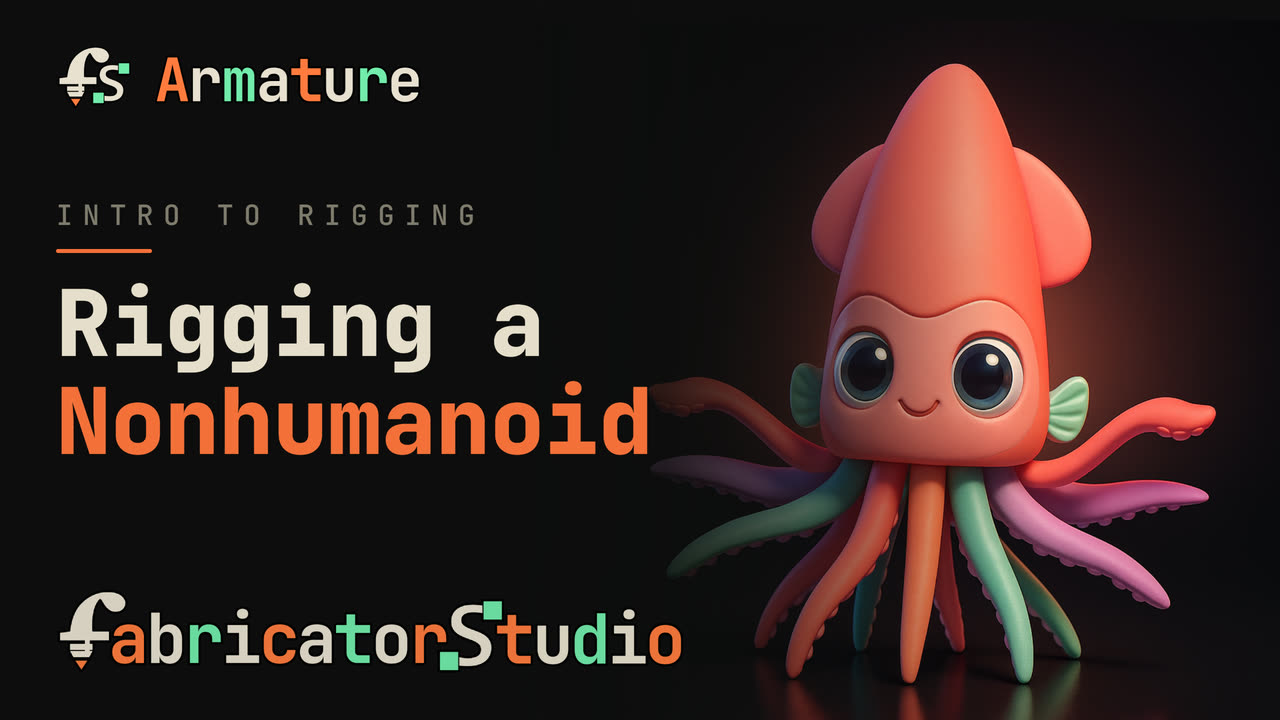
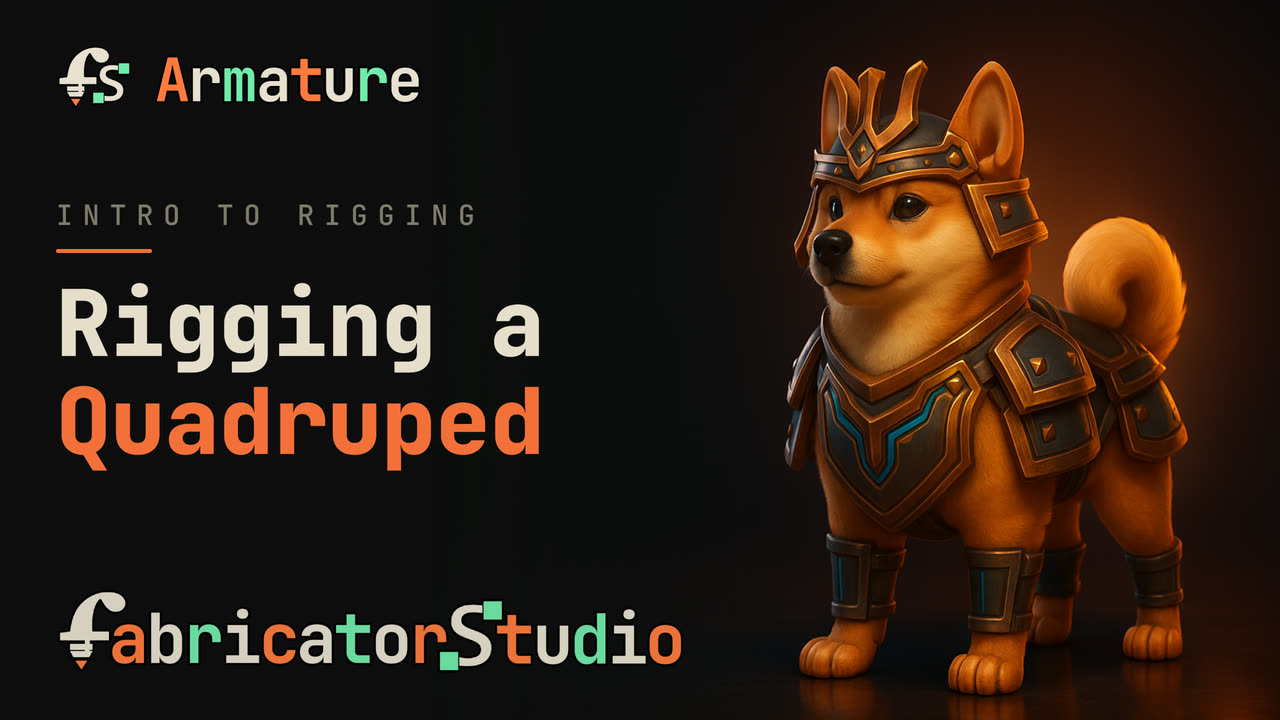
Three characters, start to finish.
Status
Built for Production
Verified
The exported USD imports into both Unreal and Maya.
In Maya, the free Fabricator toolset reads that same file and builds the control rig for you. The Unreal control rig in this clip was built procedurally from the same export data, and its builder is what we are working on next.
Design the look.Design the motion.The pipeline does the rest.
A character pipeline holds two acts of authorship. The look, which is concept. The motion, which is where the joints go. Everything after that is execution: weights, rig assembly, export, engine ingest.
Where a joint sits decides how a character bends, where it creases, and what silhouettes it can reach. The industry files that under technical setup, which is why it is the step that gets rushed. Armature automates everything around it so you focus on the part that matters.
A skeleton is the blueprint of motion.
FabricatorStudio
Who built it.

FabricatorStudio is a one-person technical art studio. I am a technical artist with fourteen years in the game industry. I joined Sledgehammer Games as a Senior Technical Artist on Call of Duty: Vanguard and was promoted to Lead for Modern Warfare III, where I led the Character Tech Art team and the Weapons Tech Art team. Before and after that, Camouflaj, Double Fine, Ubisoft, and NCSoft.
The Maya pipeline I built is already free and public at fabricator.studio. Armature is the same work, done again for people who do not have Maya.
Pricing
What it costs.
Free for personal, learning, and portfolio work, and free for commercial work under $100k a year. If you qualify for Maya Indie, Armature is free. Above that it is $149 per artist, once, with a year of updates.
Armature is a new standalone application. It is not the Armature step inside the Maya toolset, and it is not part of that free download.
Bringing an existing rig into Armature? Talk to us.