Armature takes a character mesh in and hands a rigged, skinned, engine-ready character back. Load a model, place joints with purpose-built tools, generate and refine skin weights, and export a USD for Unreal and Maya.
Product page · version 2.4.5
Armature is an Artist + AI rigging tool. The AI half gets a character rigged fast: drop a template, let it propose joints, generate skin weights with one press. The artist half is a full set of professional rigging tools: a purpose-built joint manipulator, weight painting with locked influences, an auto-generated range-of-motion animation, and a component editor for the weights you would rather type than paint.
Which half you lean on is up to you. A hobbyist or a game developer can take a mesh to a working, engine-ready rig in minutes and stop there, because it works. A character artist can take that same rig and push it to production level, joint by joint and weight by weight, with tools that respect the craft.
The bridge between the two halves is the loop. Move joints, re-generate weights, watch the result move, and go again. Nothing the AI does is final until you say it is, and one undo always brings back what you had. Most auto-riggers treat their first guess as the answer. Armature treats it as the starting point of a conversation between you and the machine.
Quick start
- Drop your mesh onto the welcome screen. OBJ, FBX, GLB, glTF and USD, rigged or not, load directly.
- Fit it. One press of Auto fit centers the character and scales it to a 180 cm reference. Nudge height, depth and facing on the same bar. Scale is baked into the geometry at export, so the size you set is the size that lands in engine.
- Drop a template. Biped or Quadruped from the library, or build from modules (arms, legs, hind legs, spine, neck, hands, single pivots).
- Place joints. Drag them into your character. Symmetry is automatic: the left arm you place is the right arm you get. Hold V to snap to the mesh, X to line up with other joints, C to extrude new children.
- Generate a skin. Two engines, one menu. Geodesic Voxel solves on any machine in seconds, no download, no GPU requirement. SkinTokens computes AI weights on your GPU as a one-time optional download, and is where the quality lives. Generate as often as you like: each result replaces the last, and undo brings the previous weights back.
- Test it. Scrub the built-in range-of-motion exercises, grab any joint and wiggle it to see the deformation, then let it snap back. Paint and smooth where you want more control.
- Export. A USD with skeleton, weights and textures, verified into Unreal and Maya. Your rig blueprint travels inside the file.
The three walkthroughs
The fastest way to learn Armature is to watch a character go through it end to end. Three full builds, three different kinds of character.
Rig a human
Start here. The biped template does most of the placement work, so this video is really about the rhythm of the tool: fit, drop, adjust, skin, test, export. Everything in the other two videos builds on this loop.
Watch on YouTube →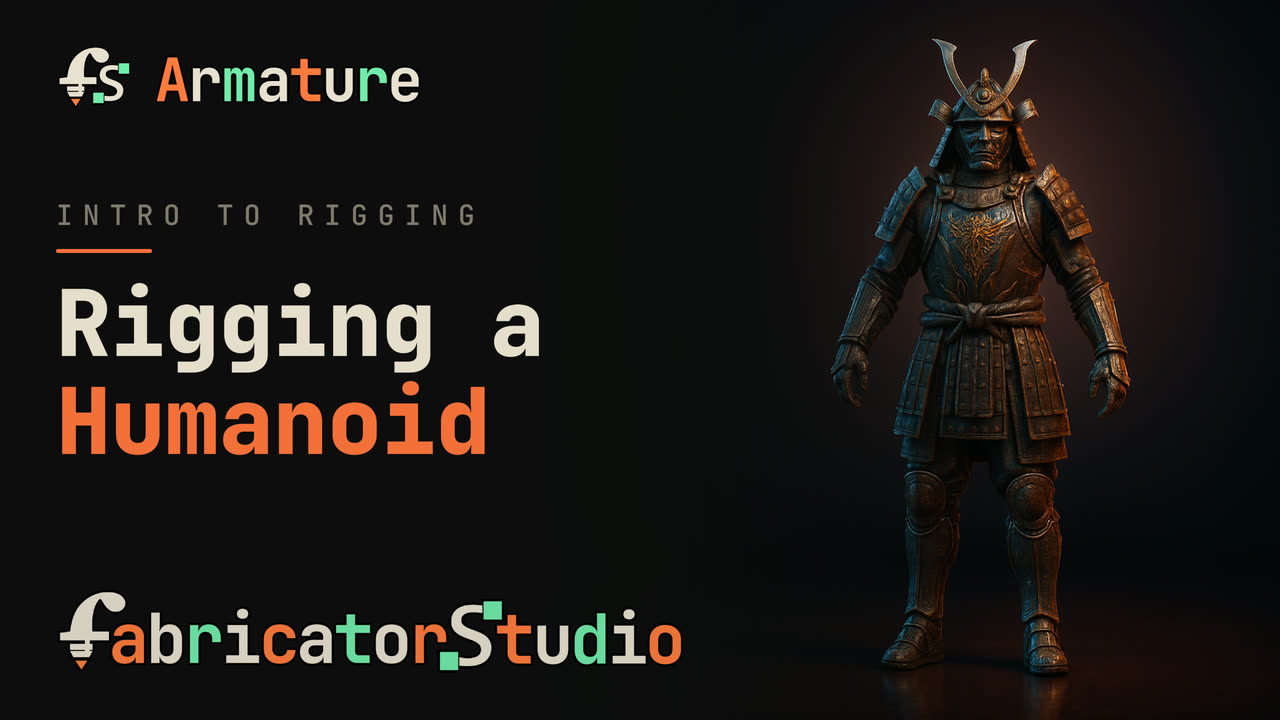

Rig a non-human
No template fits a squid, and that is the point. This build works module by module: chains for tentacles, a pivot where nothing standard belongs, and range-of-motion exercises that prove every link bends. Watch this one to learn what the tools do when the character has no rulebook.
Watch on YouTube →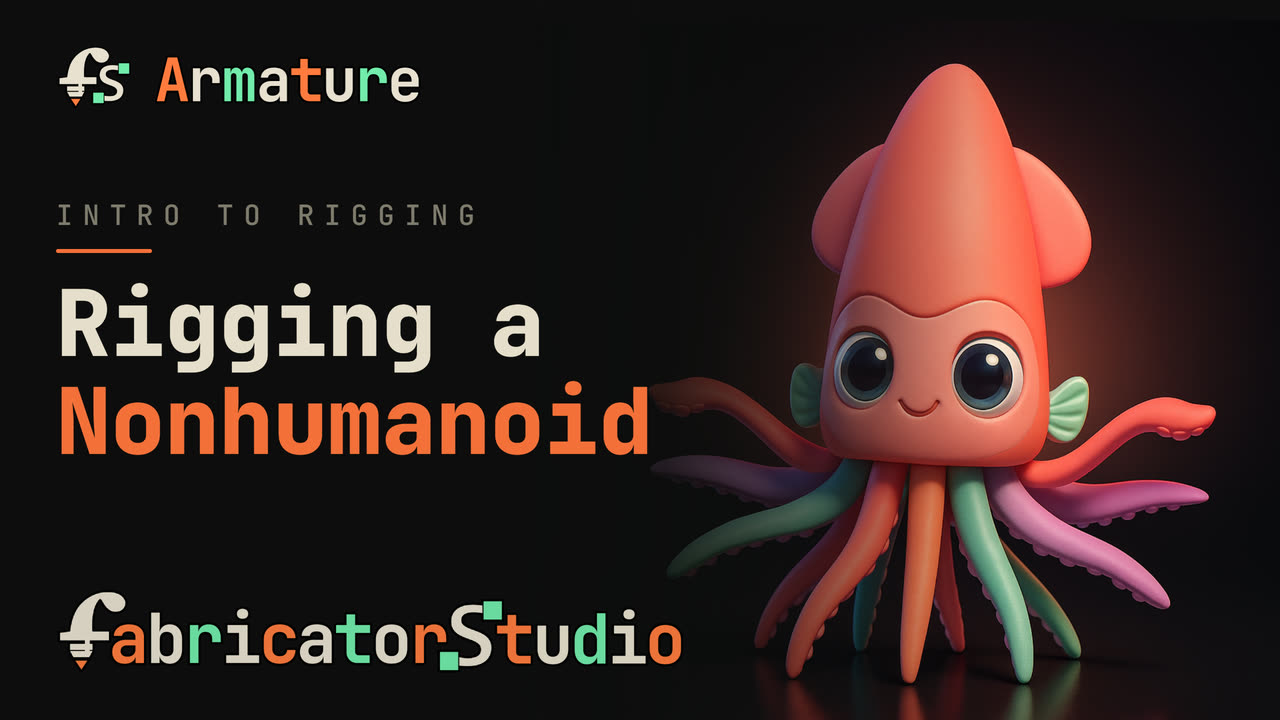
Rig a quadruped
The quadruped template plus the hind-leg module handle the anatomy that trips up humanoid-first tools: real hind knees, a tail that curls, ears, and four feet on the floor. This video also shows side assignment doing its quiet work as joints cross the center line.
Watch on YouTube →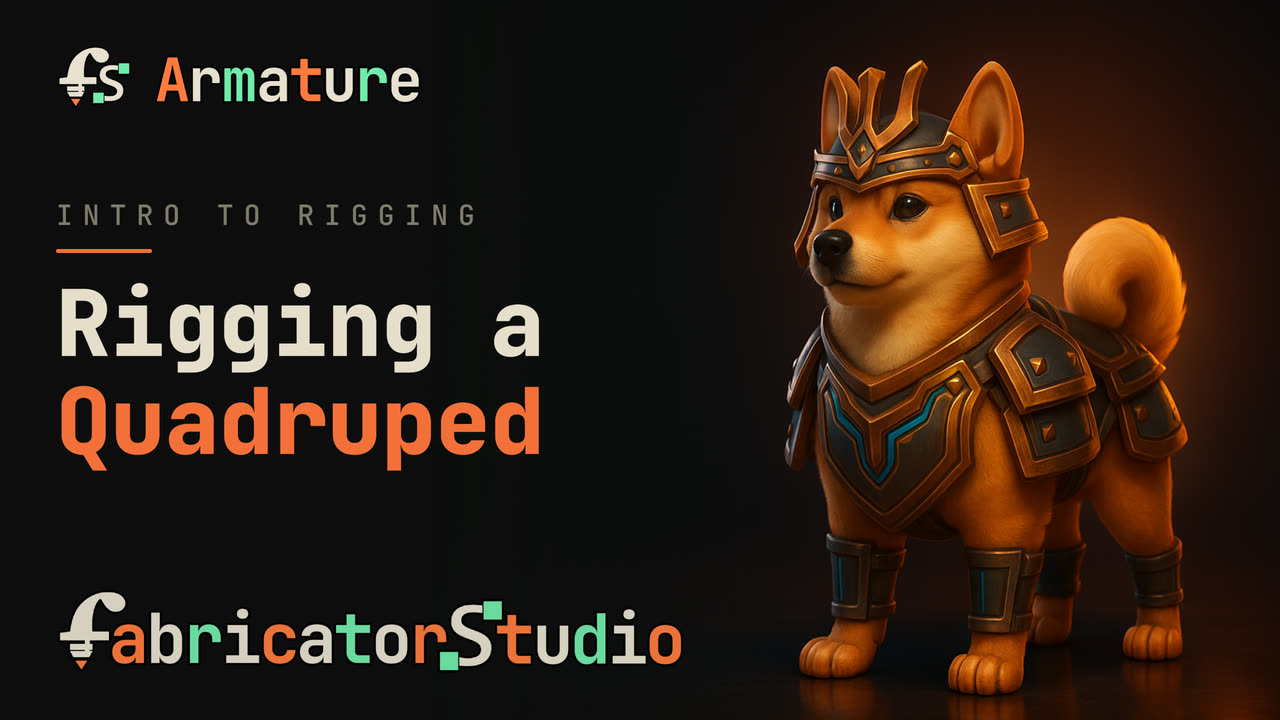
The stations
Armature is laid out as stations along the top of the window. Work flows left to right, and you can step back at any time without losing anything.
Hotkeys
Press the ? button in the corner (or Shift + ?) for this sheet inside the app.
Drag empty spaceOrbit (Alt + drag orbits anywhere)Right drag / scrollPan / zoomAFrame everythingFFrame selection (on the timeline: frame the exercise)EscClear focus and selectionQ / W / E / RSelect / Move / Rotate / ScaleC + drag jointExtrude a new child (on an axis arrow: along that axis only)Shift + dragMove this joint alone, children stayX (hold, on axis)Snap axis to other joints, point at one to choose itV (hold, drag)Snap to nearest vertex (template dots win when shown)B + dragBrush size (Skin)Shift + > / <Grow / shrink selection by a ring (Skin)Ctrl + Z / YUndo / RedoCtrl + S / Shift + SSave / Save AsCtrl + N / ONew / OpenCtrl + = / - / 0Interface zoom in / out / resetAccounts, seats and staying current
- Sign in once. Armature asks for a sign-in the first time you export: enter your email, click the code we send, done. A license key from a purchase works the same way. Rigging, skinning and testing never require an account.
- Two devices per seat, with self-serve seat release if you move machines.
- Offline tolerance built in: once signed in, Armature keeps working for 30 days without a connection before it asks to see the internet again.
- Updates install themselves. Armature checks quietly on launch, downloads in the background and applies on quit. No update nags.
For license terms, see the EULA. For what activation sends (and does not send), see the privacy policy. For prices, the pricing page.
Getting help
The Discord is the front door: report issues, see known issues, and watch the changelog move. Bring a screenshot and the character that misbehaved, and you will usually watch the fix ship the same week.
Bringing an existing rig or a custom skeleton format into Armature? Talk to us.