ARMATURE · STATION 4
The character stands in a portrait room with the working furniture gone. Pick a format, name the rig, and write one file.
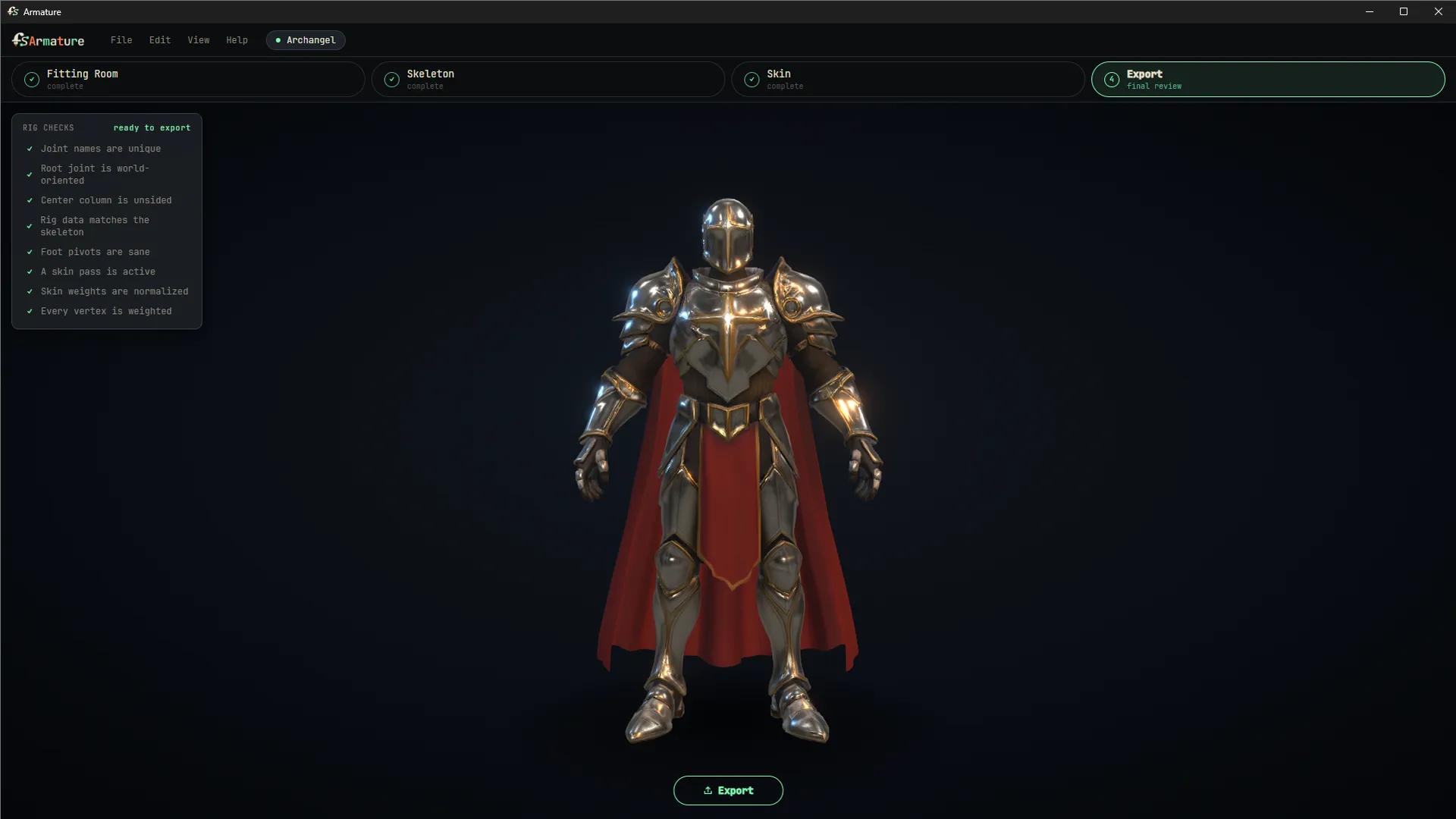
What comes out
Pick a format, name the rig, choose joint-name side tokens for your pipeline, and export:
- USD (binary or ASCII) carrying the mesh, skeleton, skin weights and textures, with the textures folder written beside the file so relative paths hold.
- The rig blueprint travels inside the USD, so a character can be pulled back into Armature and its skeleton understood later.
- Verified in practice: exports stand up correctly in Unreal Engine and in Maya.
Formats
DirectionFormats
LoadOBJ, FBX, GLB, glTF, USD (mesh, or a rigged USD with its skeleton and weights)
ExportUSD (usdc or usda) with skeleton, weights, textures and embedded rig blueprint
Project.armature project files, with recents and thumbnails on the welcome screen
FBX and OBJ convert on arrival with automatic unit handling. A plain USD arrives as geometry; a rigged USD opens with its skeleton and skin weights intact, so a character can come back from Maya or from your own exports.
Signing in
Armature asks for a sign-in the first time you export. Rigging, skinning and testing never require an account. See accounts and seatsfor how that works, and what it sends.