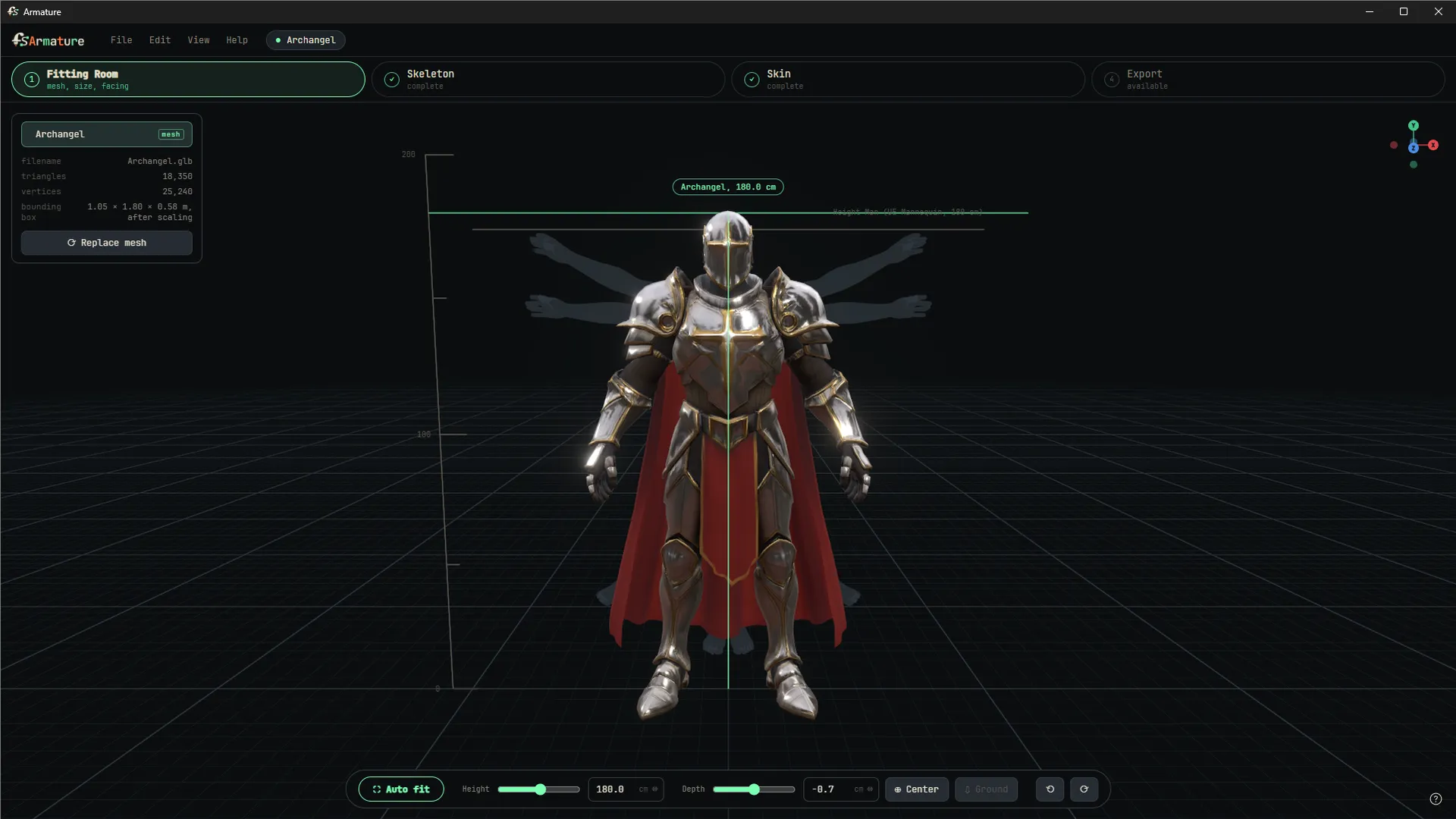
The viewport is the room. Drop a mesh in, then set its size, position and facing so everything downstream behaves.
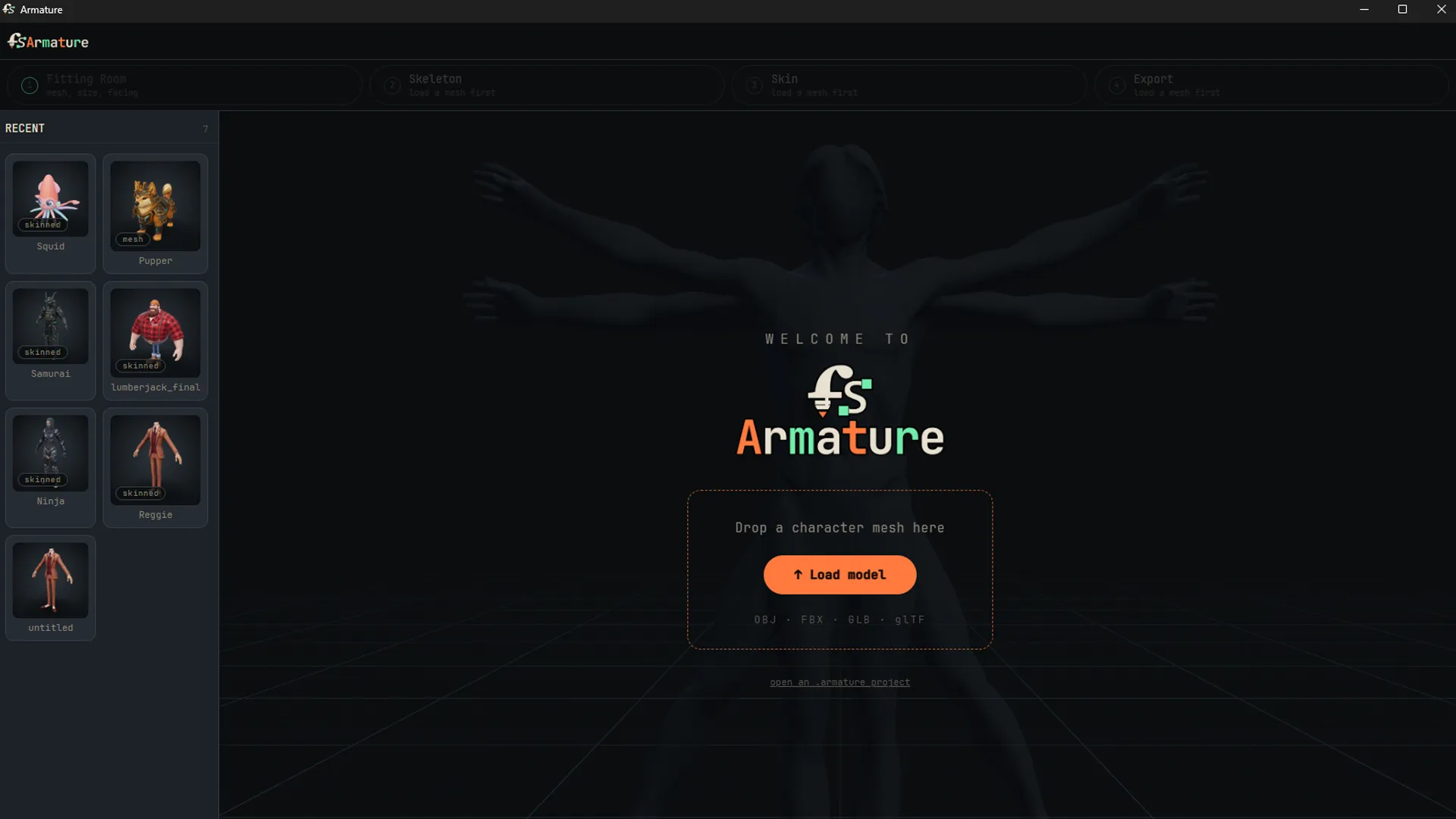
Loading a mesh
Drop or open a mesh and you get its facts (triangles, vertices, bounding box), and aReplace mesh button that swaps geometry while keeping your work. OBJ, FBX, GLB, glTF and USD, rigged or not, load directly.
Files with different units are handled on arrival: an FBX authored in centimeters converts automatically instead of arriving one hundred times too large.
Bringing textures: USD exported from Maya with materials on, and GLB, both carry their color texture into the viewport. FBX and OBJ arrive untextured for now. Rigging and skinning are unaffected either way.
The fitting bar
- Auto fit: centers the belly line and scales the character to the 180 cm reference in one press. One undo reverses the whole fit.
- Height and depth: sliders for hands, scrubbable number fields for exact values.
- Center and Ground: the belly-line slice lands on the center line, feet land exactly on the floor.
- Facing: quarter turns. Unreal characters face +X; land there and the export stands correctly.
Scale is baked into the geometry at export, so the size you set here is the size that lands in engine.