Exports static and skeletal meshes and animation clips from Maya, using a per-rig binding so exports always ship the right joints.
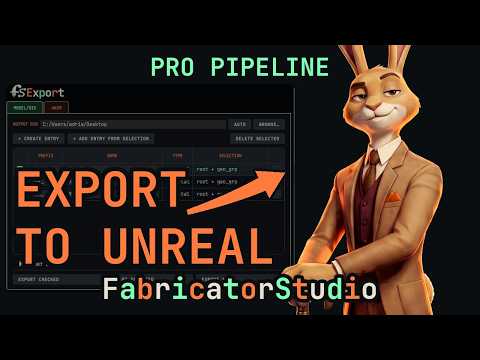




What it does
One pipeline, three outputs
Skeletal export writes a rig binding the animation exporter reads later, so it knows exactly which joints to bake.
Animation clips bake in a background process, so it never touches your open scene.
Skeletal mesh can also export as USD: one file carrying the mesh, skeleton, weights and materials. A Fabricator rig embeds its module layout too, so Armature opens it as named modules and Unreal imports the same file.
Two tabs
Model/Rig and Anim


- 1
Save the scene under a registered project for auto set paths, or set an output folder manually.
- 2
Select mesh(es) for a static export, or a joint plus skinned mesh(es) for skeletal, then press the button to export.
- 3
For a repeatable list, open the Export popover, add entries, then Export Checked, Selected, or All.
- 4
For animation, set the playback range, open the Anim tab, add a clip from range, assign the rig, then export. You'll be asked to save first; the bake reads the saved file.
Anim reads the last skeletal binding
Animation export reads the rig's last skeletal binding; re-run skeletal export if it's missing or stale.
Root motion is manual for now
Root motion isn't wired into the UI yet; animate the world control by hand.
Duplicate filenames block export
Two clips sharing an output filename block export rather than overwrite each other.